1
Create the campaign
Choose a free shipping bar, banner, window popup, or sales notification. Set the message, offer, timer, and style to match your store.
Free shipping bars, banners, popups, and real sales notifications with page and geo targeting.
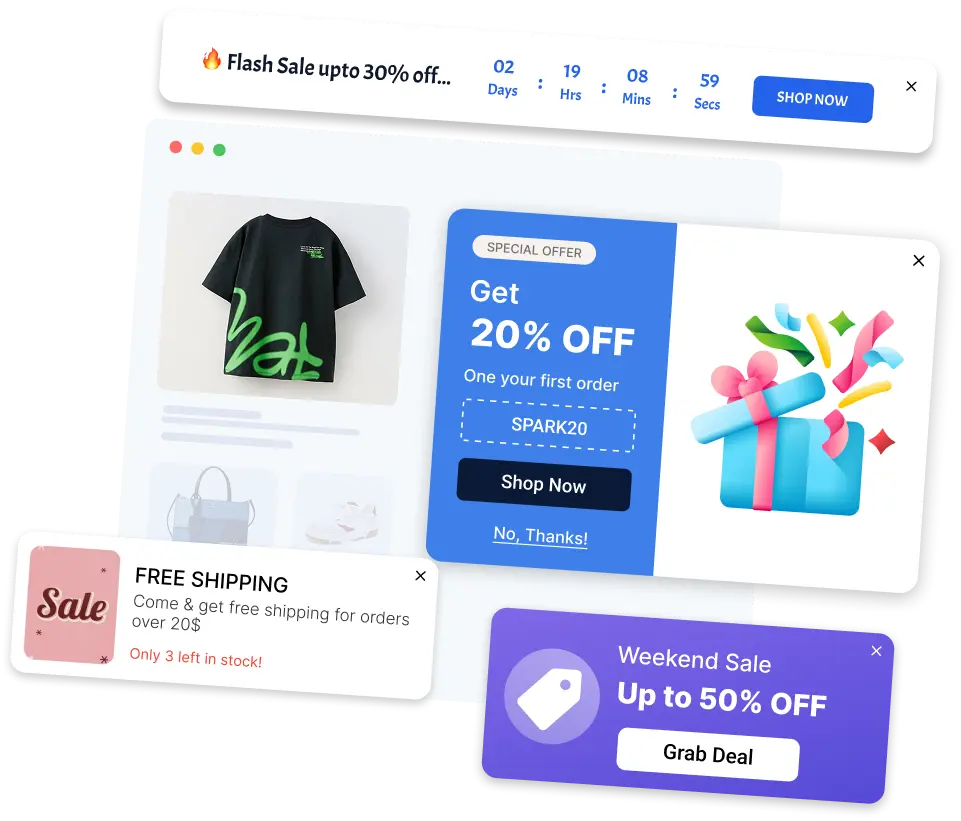
Klify – Popups & Announcements lets you create free shipping bars, announcement banners, sales popups, and window popups from Shopify admin with no code. Pick countdown, rotating, scrolling, and standard banner styles to promote offers and pull visitors in. Show live sales notifications and stock urgency to surface real store activity and product availability. Target by country, schedule campaigns with timers, and track impressions, clicks, and campaign performance.
Choose a free shipping bar, banner, window popup, or sales notification. Set the message, offer, timer, and style to match your store.
Target pages, countries, and devices. Schedule when it appears, or use exit intent so the offer shows as shoppers leave.
Track impressions, clicks, and conversions in the app so you can keep the campaigns that actually lift sales.
Use a free shipping bar for cart thresholds, banners for site-wide offers, window popups for email and discounts, and sales notifications for social proof — all from the same app.
A cart-aware progress bar that shows how close shoppers are to free shipping and updates as they add items.
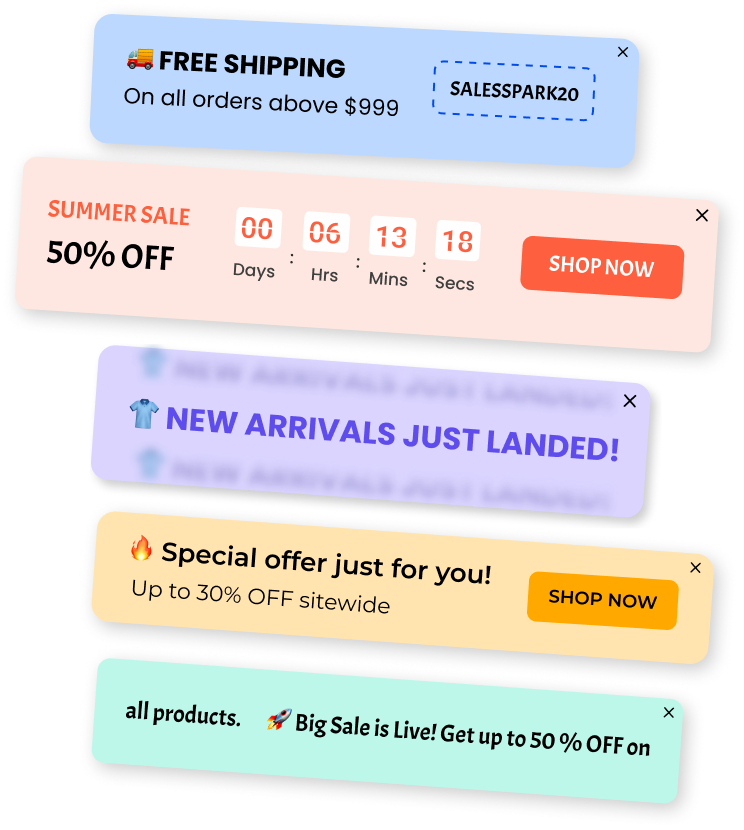
Slim announcement bars for sales, new arrivals, and site-wide offers — with countdown, rotating, running, or standard styles.
On-brand discount and email capture windows, including exit-intent so the offer appears when a shopper is about to leave.
Compact purchase, viewing, and review messages that add social proof without covering the product page.
Show a cart-aware free shipping progress bar so shoppers know how much more they need to spend — then celebrate when they unlock the threshold.
The message updates as the cart changes, so shoppers always see how close they are to free shipping.
Display remaining spend until the threshold, then a success message once they unlock free shipping.
Set the goal amount and the before-and-after messages without editing theme code.
Limit the bar by page, country, and device, and schedule when it starts and ends.
Site-wide bars for sales, arrivals, and offers. Choose countdown, rotating, running, or standard styles, then customize copy, colors, and buttons.
Create a banner, pick a layout, and publish. No theme code required.
Show banners on selected pages, countries, or devices so the message stays relevant.
Run flash sales and seasonal offers on a start and end schedule.
Match fonts, colors, and buttons to your brand. Add a coupon or countdown when you need urgency.
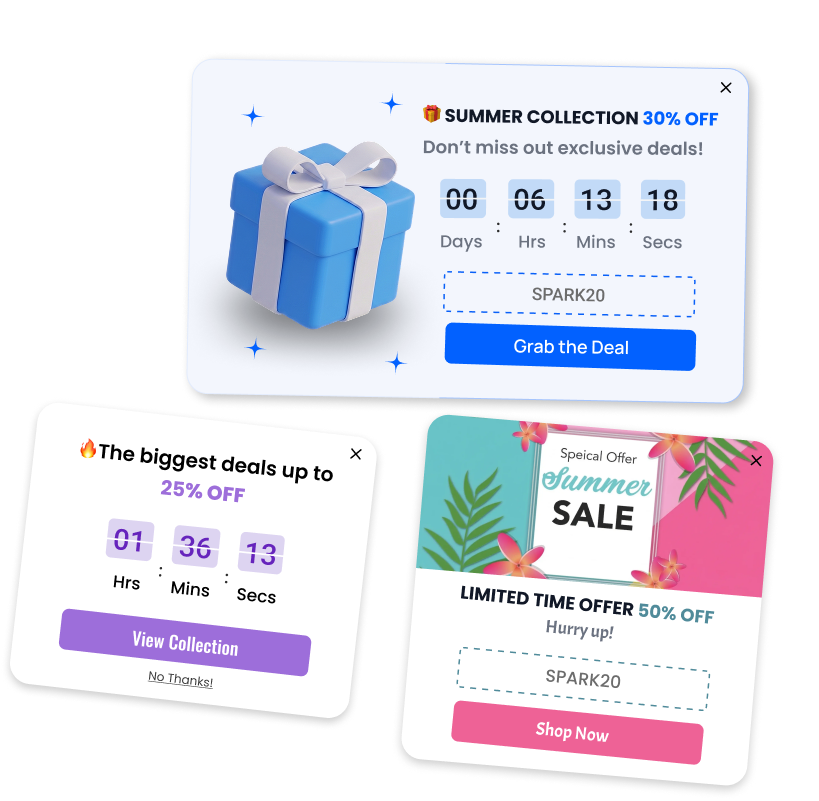
Focused windows for discounts and email capture. Trigger on load, scroll, or exit intent, and keep the layout readable on mobile.
Show on entry, after a delay, on scroll, or when the shopper moves to leave the page.
Offer a last-chance discount or email signup before the visitor closes the tab.
Collect addresses for welcome offers and first-order discounts.
Choose the layout, placement, and background image so the popup matches your store and stays readable on mobile.
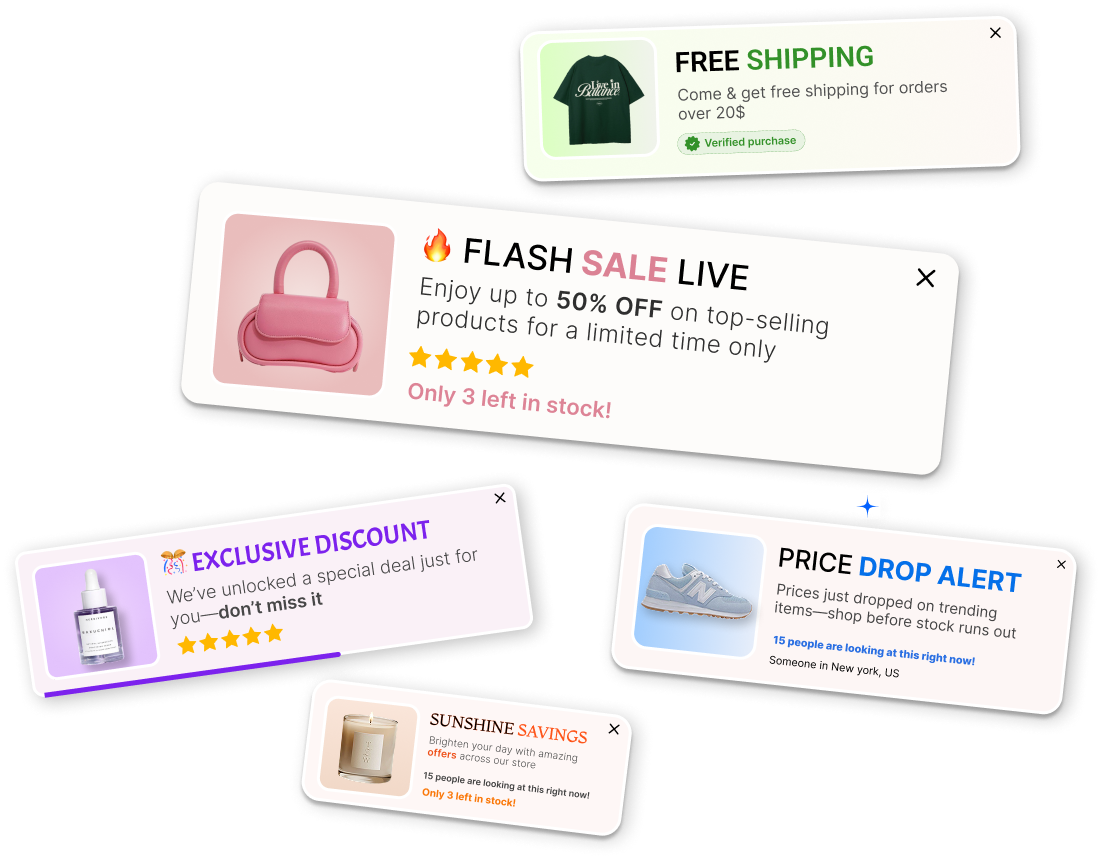
Small, timed messages that show recent orders, ratings, and stock urgency — so shoppers see live store activity without covering the product page.
Display that someone just bought a product, with optional location and product image.
Show how many people are looking at a product right now.
Surface star ratings and review counts as compact trust messages.
Show availability cues so shoppers can see when a product is in demand, without blocking the page.
Control who sees each campaign, when it runs, and whether it is earning clicks and conversions.
Limit campaigns to product, collection, or home pages, and to selected countries.
Show a campaign on desktop, mobile, or both.
Set start and end times so sales and seasonal banners turn off on their own.
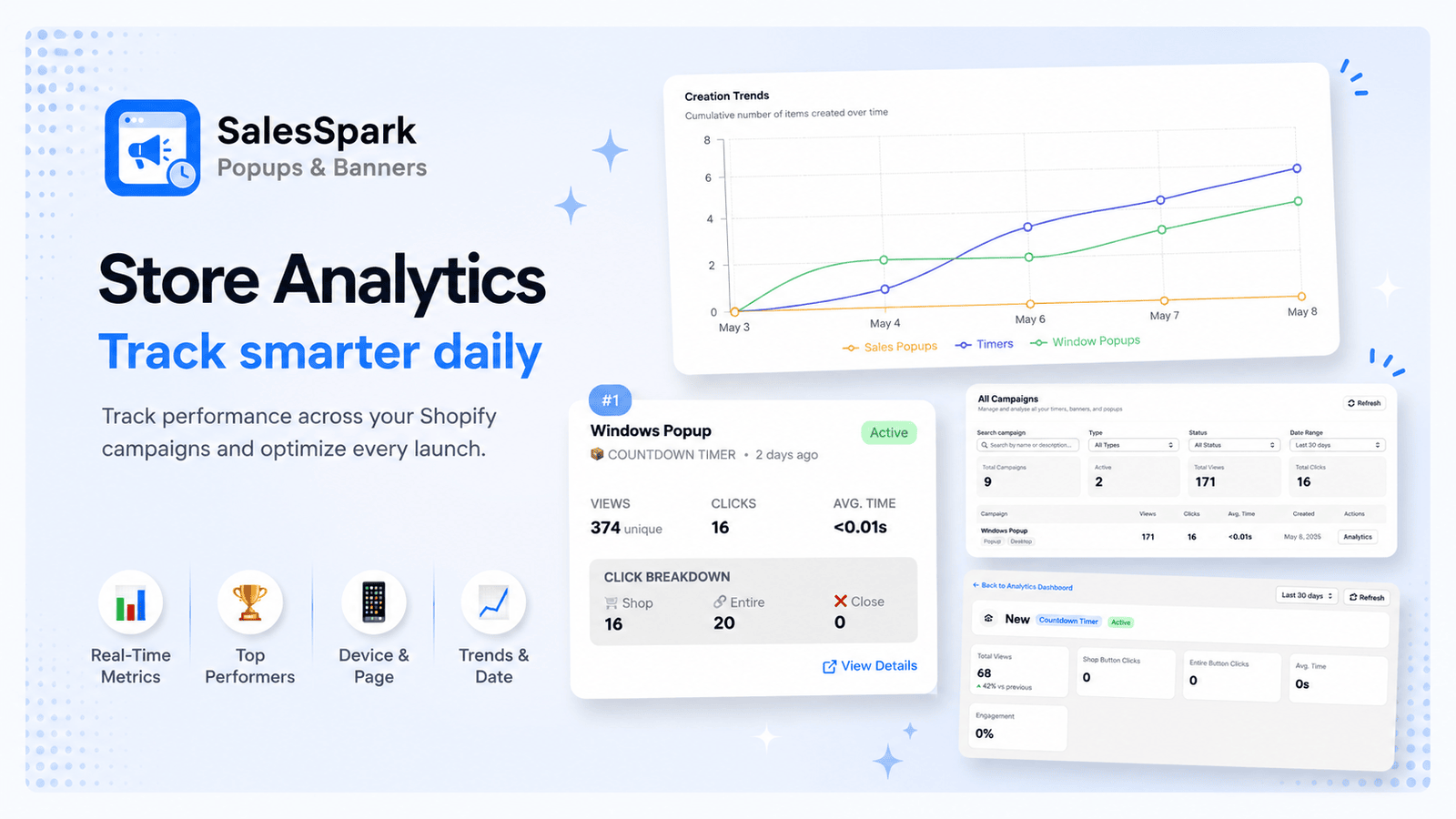
Review impressions, click-through rate, and conversions without leaving the app.
Impressions, clicks, and conversions sit in the app so you can tell which free shipping bar, banner, popup, or sales notification is earning its place.
Answers for merchants evaluating Klify – Popups & Announcements.