1
Set your ship-from location
Enter warehouse city, state, and country — or leave blank to fall back to your Shopify store address.

Show shoppers where you ship from and when it should arrive — right on the product page.
Klify - Local Delivery Time adds a clear delivery badge near Add to Cart. Set your warehouse city, configure local and domestic day ranges, write a message with {city}, {state}, {country}, and {days}, style the badge with truck/clock/pin icons, and optionally show a same-day cutoff countdown with {time}. Built for merchants who want shipping confidence without editing theme code.
Enter warehouse city, state, and country — or leave blank to fall back to your Shopify store address.
Configure local and domestic estimates so nearby shoppers see faster windows than cross-country buyers.
Customize the message, icon, and colors, then optionally enable a cutoff timer for same-day dispatch urgency.
A compact badge that answers the three questions that stall purchases: where does it ship from, how long will it take, and can I still make today’s cutoff?
Show city, state, and country so shoppers know the package origin before they buy.
Different day ranges for in-country vs other destinations — tuned to how you actually fulfill.
Write copy with {city}, {state}, {country}, and {days} so estimates stay accurate as settings change.
Optionally show remaining time until today’s dispatch cutoff with a {time} token.
Tell buyers where inventory leaves from. Use a custom warehouse address, or fall back to your Shopify store city and country.
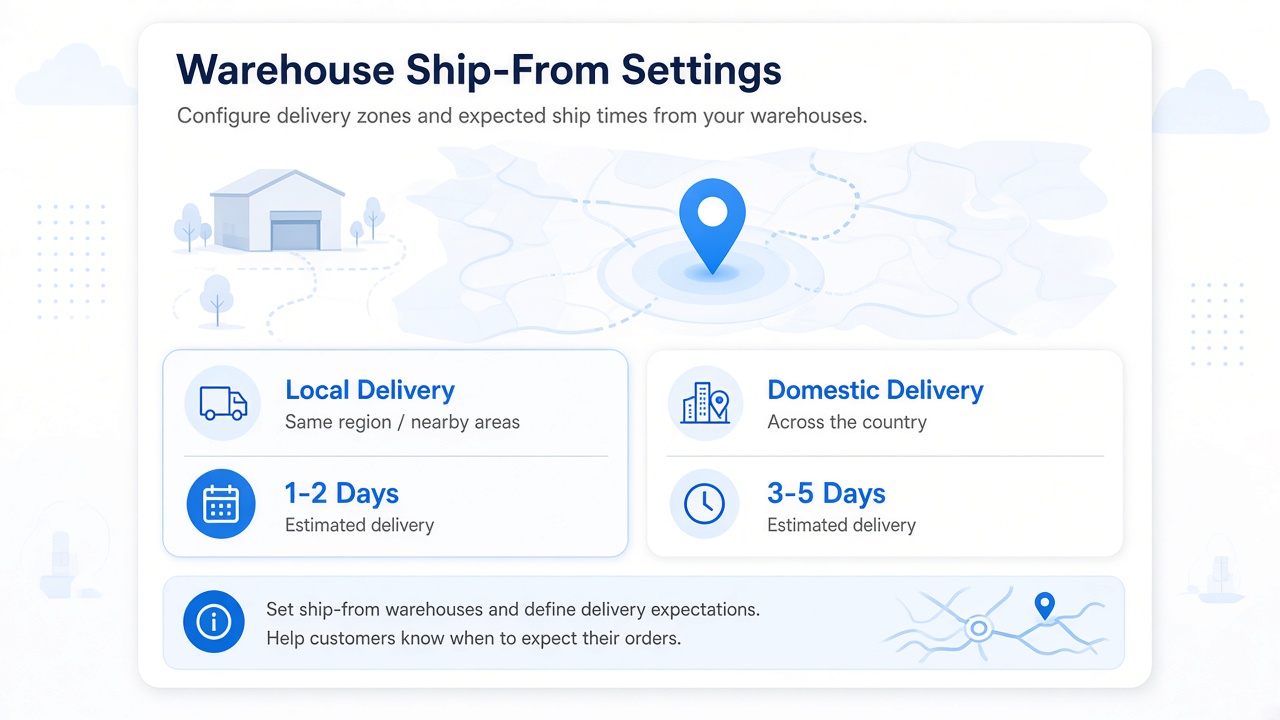
Override the store address when you fulfill from a separate warehouse or 3PL location.
Leave fields blank to use the shop’s city and country automatically.
Visitors whose browser country matches your ship-from country see local days; others see domestic days.
Configure an international day window in admin for future geo-aware expansions.
Set plain-language windows like 1–2 or 3–5 business days — not a rigid carrier API — so merchants stay in control of promises.
Faster windows for shoppers in the same country as your warehouse.
A wider window for out-of-country or cross-region buyers.
Keep a longer estimate on file for global catalogs as targeting grows.
Day ranges reduce “where is my order?” tickets by setting delivery expectations early.
Control the exact sentence on the product page. Tokens update from your warehouse and day settings automatically.
Default style: “Shipping from {city}. Estimated delivery: {days} business days.”
Mix tokens freely so the badge fits local markets and brand voice.
When the cutoff timer is on, show remaining hours and minutes until dispatch closes.
Cutoff countdown hides on Saturdays and Sundays so you don’t promise same-day ship on closed days.
A soft tinted card near Add to Cart — icon, message, and optional cutoff line — colored to match your brand.
Pick the icon that best signals shipping, timing, or location.
Tint the background and border with your brand blue, green, or sale accent.
Injected above the buy button on product pages so delivery info appears at decision time.
Turn the badge off instantly from admin without removing the app.
Pair delivery estimates with urgency. Show how long shoppers have left to order for today’s dispatch.
Align the timer with your warehouse packing schedule.
Run the countdown in an IANA timezone such as America/New_York.
Updates in the browser so the urgency stays accurate as the day progresses.
When the deadline passes or it’s a weekend, the cutoff line simply stays hidden.
Free covers the essentials. Growth and Pro unlock cutoff timer, badge styling, warehouse overrides, day ranges, and timezone.
Core product-page delivery message with standard settings and view allowance.
Adds cutoff timer display and custom badge / icon styling.
Unlocks custom warehouse address, delivery day configuration, and timezone customization.
Plan tiers include storefront view limits so catalogs of every size stay covered.
Answers for merchants evaluating Klify - Local Delivery Time.